10+ Top AI Video Generator in 2026—Create Stunning Videos with Texts and Prompts
I want to keep this blog’s tone very casual and conversational, and here I’m going to give you 15+ top AI video generators in 2025. Let’s start from the basics: What is an AI video generator? An AI video generator tool embedded with artificial intelligence to create videos automatically. In short, you input the prompts or text, and it will create stunning videos.
From eight to eighty, everybody now knows about AI. This is not science fiction anymore.
Let’s take the road of 15+ top AI video generators in 2026; by using them, you can create stunning videos with texts and prompts.
Top 10+ Top AI Video Generators in 2026
Sora 2: one of the best of its kind in video making
This video-making website/app is doing fabulous work in making videos. It helps to create high-resolution realistic videos from the text samples and helps creators. All you have to do is turn your imagination into text format, and then this Sora 2 will do the job! Just relax on the mezzanine and enjoy your life fully.
If you are a businessman, tutor, or storyteller, then it is a great time-saving tool for you. While AI is doing the job, try other side hustles, like getting paid to drink water or getting paid to watch movies and other part-time jobs you like.
Okey. Now I’m going to tell you its features because I’ve been using this since it came to the market, and over the period of time, it has been changing its features. I’ll try to give you the best and most asked-for features that you need to know about AI video generators.
How does Sora 2 work?
Text-to text video understanding
Sora AI processes your prompt, and it understands the objects, characters, environments, lighting, cinematic framing, video resolution, camera angle, and continuity.
Scene diffusion & frame synthesis
It builds the frame by frame. No mixing up in character flow. It creates a clear concept of the scene. refines the details like motion blur, shadows, textures, etc. In video creation, frame consistency is the key, and in this segment, Sora.ai works beautifully like a maestro.
Smart Camera diffusion
If you add instructions like wide shot, 16:9, shallow depth, golden hour, zoom in-out, and reveal. These AI videos are best for business, like video ad campaigns, product detail videos, media reels, UGC-style marketing, and short films.
Other Features of SORA AI.
- In ultrarealistic video generation.
- longer multi-scene videos.
- It handles motion accuracy. Telling on that it very accurately does the running, dancing, hair, face expression, water splashes, smoke trails, etc.
- Sora.ai has multiple styles and creativity like anime, watercolor, sketches, futuristic, fantasy type etc.
Benefits of using Sora AI 2
It turns scripts into videos instantly.
No need for filming equipment; it is great for storytellers, educators, tutors, freelance video makers, YouTubers, etc.
For high CTR (click-through rate) businesses can use this as leverage. As it can help your business to grow manifold. Suppose you are willing to make a product video. Use this Sora AI video generator to make the products in motion.
For filmmakers it is a gem, and they are not willing to give the secret to anyone. Like prototypes, scenes build mood boards and VFX ideas. Create short films without any production team. Positive! You and your imagination can take your AI deputy to work on your behalf.
Conclusion: Sora AI is the future of AI filmmaking and digital storytelling. As a Sora AI expert, you can easily earn your livelihood too as a freelancer. But always keep it in your mind: this is a booming sector, but consistency is key here, and always being ready to cope with the new technologies is the super important factor.
Google Veo 3.1
Google is revolutionizing the AI video genre with all its might. Its latest upgrade in Google DeepMind’s text-to-video AI model is said to be better than any of the AI video generators available in the market. Veo 3.1’s high-quality video generation with natural audio makes this AI-generated clip feel more realistic and cinematic.
This version is best for the content creators, marketers, filmmakers, and everyday users who want to excel in their professional profiles without having any big-fat production teams.
What is Google VEO 3.1?
This exceptional tool converts text prompts or reference images into short videos. You describe your imaginative words about a hypothetical story idea, a realistic one, or a product showcase—then Veo 3.1 generates a video that matches your description.
Features of Google Veo 3.1
- Google Veo 3.1 can generate short videos directly from simple or detailed text prompts. It enables even newbies to create videos easily.
- High-quality & realistic output: Veo 3.1 offers improved lighting, camera angle, textures, smooth motion, scene-by-scene depth, etc.
- It understands the prompts accurately and maintains the consistency much better than the earlier version.
- One of the best features of Veo 3.1 is its built-in audio generation. It adds dialogue, background sounds, and several ambient effects automatically.
- Its video segment has many options like music video, explainer video, character vlog, ASMR videos, etc. In Video tab you can get options like lip sync, motion sync, replace character etc.
- Here you can control frame and scene for better storytelling flow.
- Here you can create short-form video. With your free account you can create 4s, 6s, and 8s videos. In my opinion, you focus on the workflow, create multiple short scene-by-scene videos, and merge them. These are ideal for social media, ads, and concept previews.
- Above all, to run this Google Veo 3, you need no technical video-editing knowledge. Write clear prompts and get desired results.
Limitations Of Veo 3.1
- Despite its improvements, Google Veo 3.1 still has limitations too. Video length is very short.
- Complex scenes with many characters: it lags behind, and inconsistencies prevail.
- High-quality results depend upon well-written prompts. So one needs to excel at this prompt giving.
- Full access to each and every available option on this AI video maker is limited by region and subscription level.
Final Verdicts
Google Veo 3.1 is a great leap in the AI video-making segment. It combines realistic videos and prompt-accurate built-in audio, all of which help you to create a complete video.
It is not experimental anymore. Yes, it is true that AI in the near future will take the position of filmmaking, but for now it is best for content creators and business people to save their time and resources.
Runway Gen-4
Runway Gen-4 is the latest creation, which stands out in the AI video generation category. It is built for creators who want more control and consistency and want more freedom in creation. This tool focuses on cinematic clips and helps the creators by combining powerful creation with advanced editing tools and professional dashboards with proper workflows.
What is Runway Gen-4
All these features make Runway Gen-4 a favorite among filmmakers, YouTubers, advertisers, and content creators who want AI assistance without losing creative control.
Here you can create videos from text prompts, images, or existing video clips. This is different from other AI video-making platforms, as it focuses not only on text-to-video tools but rather integrates them into a full creative platform. This platform offers both generation and post-production tools in one place.
The key features of Runway Gen-4 are consistency, controllability, and repeatability. These are all must-have tools for professional storytelling and branded content.
Key Features of Runway Gen-4
Runway Gen-4 has the feature where users can create text-to-video & image-to-video. Users give prompts or reference images to build the consistent characters, environments, and visual styles. All these are the must-have things for creating brand and story-based content.
Struggling: The key feature of Runway Gen-4 is the visual consistency. Apart from that character consistency, stabilization in environments and style remain the same in frames, where many other AIs are still struggling with these features.
Its built-in editing features are some of the best; it includes features like
- Background removal
- Object erasing
- Green screen (AI-powered)
- Motion tracking, etc.
Gen 4: You can call this Runway Gen-4; it’s more than an AI video generator—it’s a full powerhouse of editing hubs.
Users get control over multiple things like motion, camera movement, scene structure, pacing, etc. This makes Runway an ideal storytelling AI tool rather than random visual results.
This AI gives the power to the creators to test multiple prompts, styles, and scene variations. Thus, it helps creators in saving time and helps them to choose the best desired result.
Its key differences are,
- Better characters and scene consistency
- Editing and generation of videos all in one platform.
- It is not a rabbit in the whole thing, i.e., not just the quick clips; it is designed for creative professionals.
- Its multi-step creative pipelines help creators to stay on the course no matter what.
Who Can Use Runway Gen-4?
- Runway Gen-4 is suitable for a huge range of users, especially for content creators and YouTubers for creating short videos, short films, reels, or visual stories.
- Filmmakers and video editors can use this AI for storyboarding, effects, and experimental scenes.
- Designers and artists can use motion graphics and visual concepts. Educators and students can use this site for the production of AI-assisted videos.
But this site has limitations, which you must keep in your mind:
- It requires a stable internet connection, as it is totally cloud-based.
- Advance features may require a paid plan.
- Longer videos still require some pruning and planning.
In my final thoughts I can tell one thing for sure: this AI video generator helps creators in control, consistency, and quality as it generates videos and gives a good shape too. This is best suited for a professional-grade solution rather than a casual experiment.
Synthesia AI:
This popular AI video creation platform is made specifically for business, training, and educational content. This Synthesia focuses on AI-avatar-based video creation. It helps creators to make videos without cameras, actors, or studios.
With Synthesia, users can turn texts into videos featuring realistic AI presenters who speak naturally in multiple languages.
What is Synthesia AI?
This Synthesia AI allows users to create text-based scripts and AI avatars. Instead of videos, cinematic scenes. An AI video appears on the screen and delivers your message clearly and professionally. People are using this as news reporters and explainer videos, YouTube shorts especially, who are not to show their faces.
Key Features of Synthesia AI
Synthesia has a wide variety of AI avatars. These avatars match the vibes of your script and deliver it in corporate or educational fashion, whatever you want.
Users just have to give the script to this avatar, and they will generate the video. One needs not have any kind of video recording stuff, microphone, or editing software.
Synthesia supports more than 120 languages and exact accents. Here you can become a cosmopolitan in a very real way. Global teams, international audiences—all are now just a few clicks away. Literally, Synthesia is doing this kind of praiseworthy work.
Businesses can merge this Synthesia avatar to maintain the brand identity and consistency. This AI also has the ready-made templates for training, HR, sales, onboarding, and presentations. If anyone wants to create a polished video quickly, Synthesia can help.
Easy editing interface makes it very user-friendly, especially for newbies. They can adjust backgrounds and layouts and edit the texts with just a few clicks.
What are the features that make this Synthesia AI different from others?
- It focuses on AI presenters, not animated ones or only video-type ones.
- Built specifically for business and training videos
- Consistency-wise, it is 100 percent reliable for video output.
- Ideal for scalability and localization, branding, etc.
- Where other AIs like Veo and Runway have the primary aim to create visuals, Synthesia AI excels in professional communication.
Limitations of Synthesia
- This AI also has some drawbacks, like it is not suitable for cinematic or creative storytelling.
- Limited scene animation compared to other AI’s like Veo, Runway, Sora etc.
- It has restricted avatar movement and expressions, which can hinder you from getting the desired result indeed.
- And the advanced features require paid plans.
What are my thoughts about Synthesia AI?
This is a powerful AI solution for business houses and tutors for educational videos, as it creates clear, professional, and scalable video communication for all. It wiped out all the hustle of the traditional video production system and replaced it with speed, consistency, and global reach.
If you are looking for AI assistance, to reach your goals, like training, education, corporate communication, etc. You can rely on Synthesia.
Descript
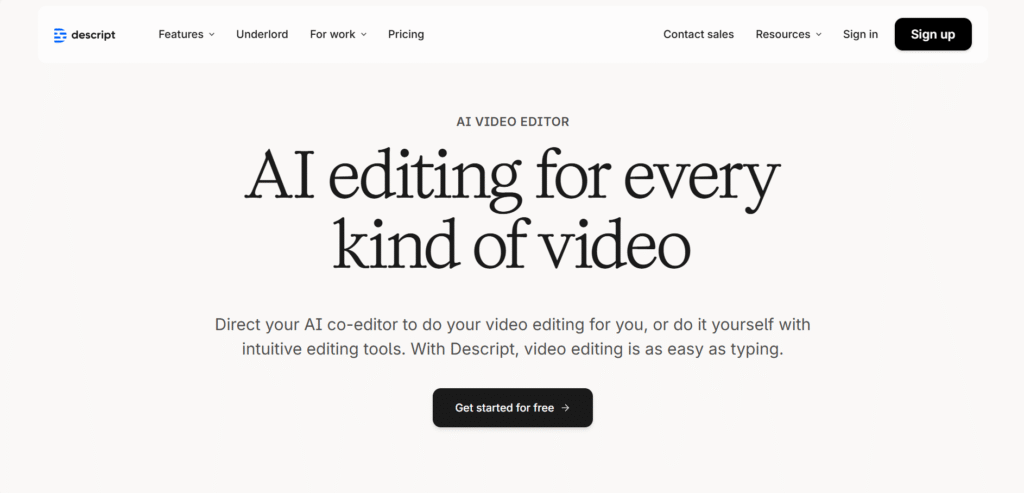
This all-in-one AI-powered video and audio editing platform is the beast in making it, whether you’re doing a podcast, YouTube video, screen recording, or social media clips. Descript is available as a desktop application in macOS and Windows and also offers a web version.
What is Descript?
The workflow of the descript is very simple. You upload the video or audio, and it automatically generates a transcript. then you can easily delete the words like “hmm,” “umm,” and “ahh” (while they are using those in the conversation), rearrange the sentences, cut sections, and update the video/audio file updates accordingly.
Key features of Descript:
If you are using the descript for the first time, then this guideline is for you.
Automatic transcription: descript converts each and every word of your provided video/audio into text automatically. Thus, it saves your time and hassle from transcription.
This text-based editing application has the option for your video or audio just by editing the text.
Need studio-like sound? Descript has you covered. No soundproof recording room or expensive mic is required at all. Just a single click and boom! Your desirable sound is ready for use.
While you are telling the script in front of the camera. Descript AI will adjust your camera angle and make it look as if your eyes are locked on the camera.
Shoot where you are comfortable, and there’s no need to worry about the green screen. This AI will place any background, and you can replace it with any background you want.
This AI video maker also has the potential of giving auto-generated captions and supports translations into multiple languages. If you want to reach the global audience, then it is the best one.
Now the question is what platforms are suitable for this application?
If you are a creator on platforms like Instagram, TikTok, LinkedIn, YouTube Shorts, X, Facebook, or every other platform you know, you can. This application can help you to get larger audiences in your niche.
You can use this in long-form videos, webinars, etc. Suppose you want to make impactful insight-based videos and you want to give the reference of another video; use this AI. This AI can find the most important highlights and scrap them. Then clip them to your videos for better branding. It is literally a layman’s work. (That means I don’t want to encourage you to be a layman.)
Conclusion:
In short, Descript might be a game changer for you. Its powerful AI tools are made for content creation, reducing friction and technical complexities and making works less time-consuming. If you want a great partner who is loyal to you, flexible, accessible, and powerful enough for serious work. Try it. You’ll not get disappointed at all.
Luma dream Machine
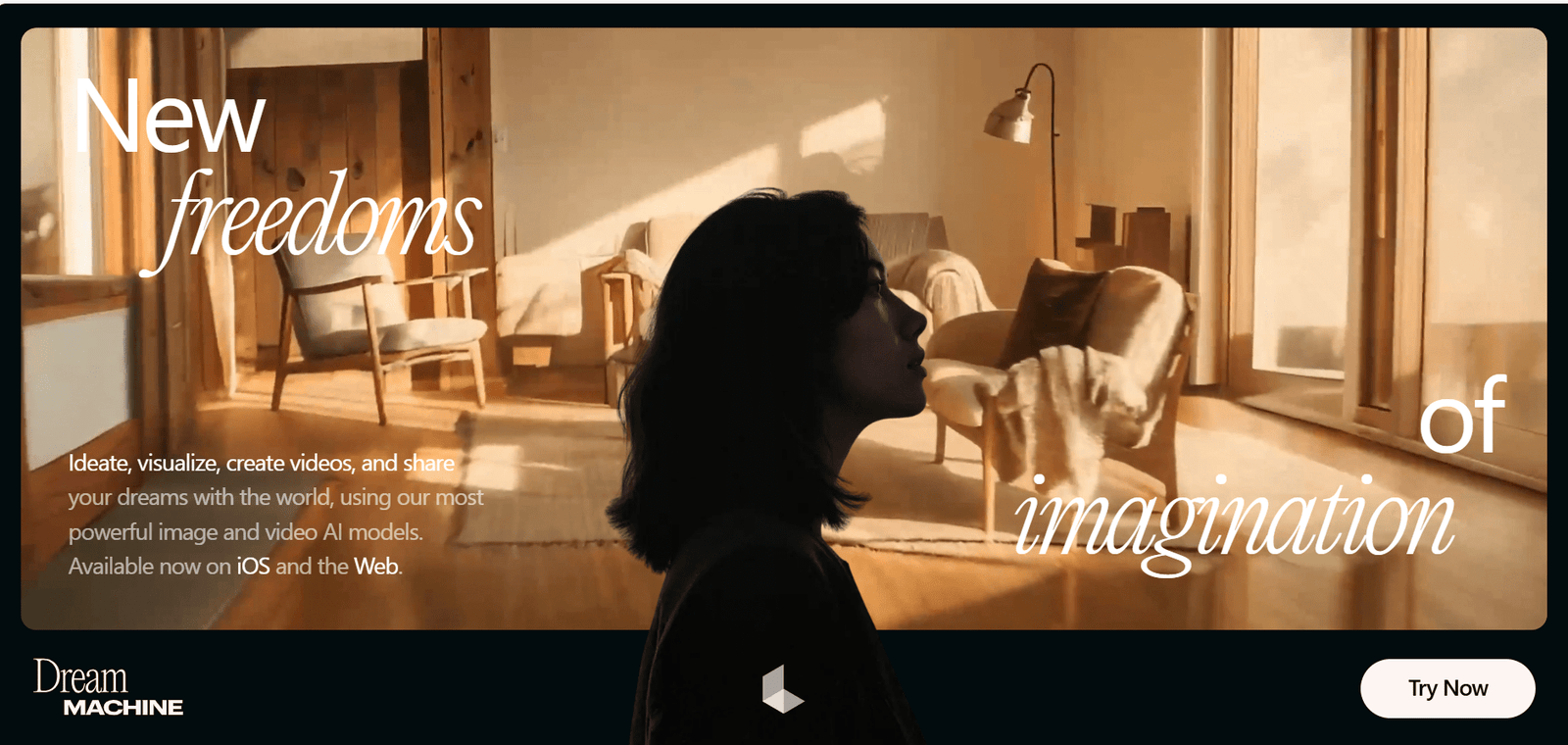
The Luma dream machine turns your dream into reality. You will see what you want to watch; I’m just putting in the texts. Like you type, “A small girl is dancing on the streets without caring about the people surrounded by her.” This AI will create a short video for you.
What is Luma Dream Machine?
This web version is made by Luma AI, the same company known for 3D and visual capture tech. Here In Luma Dream Machine, your words or text prompts turn into realistic, cinematic videos. One of the best AI video generators.
Why do people like Luma Dream Machine?
I’ve been using this application for a while, and it feels really, really real. Its movement makes sense; lighting and scenes don’t feel artificial. Characters walk like humans, cars move naturally, and the camera work is phenomenally real!
You don’t need to know editing skills, animation knowledge, or elaborately pruned fancy prompts. Just describe a scene like you’re telling a story. The output is so real you will tell yourself, “I wonder.”
What’s Luma Dream Machine’s plus point?
Text to video is super simple; just write your emotion or thinking, and it will generate. No need to give complex settings or fancy prompts.
The natural motions like walking, running, water flowing, cloth moving, and hair floating in the air behave greatly, close to real life. Like a movie shot, the camera pans out, zooms in and out, and follows the main character of the video like a real movie shot.
The objects and the characters usually stay stable and consistent throughout the story. Glitching and melting happen less compared to the other AI tools.
For social media videos, visual storytelling, short films, ads, and creative experiments, this AI video generator is great.
What are its drawbacks:
I want to be honest while giving you the list of top AI video generators, and it is also not free from drawbacks like
- It is not for presenter videos like Synthesia.
- It is not a fully dedicated video editor application like Runway ML.
- As a user’s point of view, you get limited control
- You’ll not get the advanced timeline editing option.
- It is more about creating a moment, not for the whole project.
Final Thought (Real Talk)
The Luma Dream Machine is more like an AI helping hand. If you describe a scene, you can create whatever you like. This is best for a creator, storyteller, or filmmaker for testing his/her ideas. Here a designer or marketer can create eye-catching clips for ad promotion.
It is not a perfect one, and it will not replace filmmaking, but for quick, cinematic AI videos? Yes! It is one of a kind for creating the most impressive tool available on the market.
Kling AI
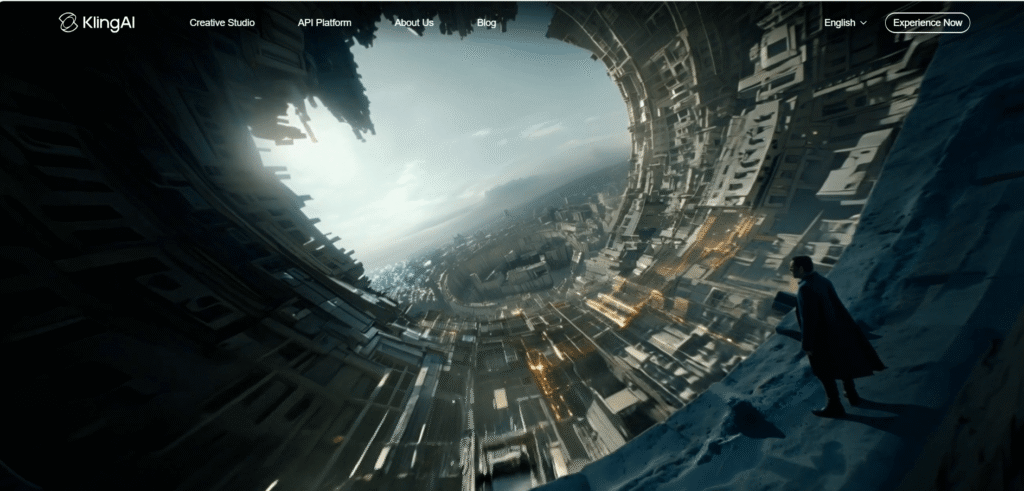
This ranks 7th on my list of 15+ top AI video generators in 2026—Create Stunning Videos with Texts and Prompts. Kling AI is known for producing crystal-clear AI videos. Here you can create AI images and AI sounds too.
What is Kling AI?
This AI video generator is an advanced text-to-video and image-to-video AI model created and developed by Kuaishou (a major tech company). Here you can create short, high-quality videos simply by describing your thoughts in text or by giving a reference image. The most important things in this Kling AI are visual generation, consistency in characters, and motion, which is extremely believable.
What Gives Kling AI an Upper Hand with Other AI Video Generators?
This advanced text-to-text and image-to-video AI model’s greatest plus point is motion realism. Characters don’t just move; they move naturally. Walking, running, facial expressions, and even the body weight of a character feel more human compared to other AI video tools available in the market. It focuses on cinematography more than any random motion.
Key features of Kling AI
You type a prompt like a scene description. Kling AI understands actions, mood, setting, tone, camera flow, and dynamic or stable camera action and delivers the videos within a few minutes.
You can also give reference images and guide how characters, locations, style, and camera angles should look. This is helpful for maintaining consistency, and you will get your desirable results.
In highly realistic human motion, Kling AI is the beast here. In human gesture. walking style; it can even differentiate the sobbing and crying. All the emotions and expressions look smooth and believable.
The videos that Kling AI delivers have a feel that they capture the scene in real camera. No frame-by-frame generation. The movement looks deliberate and realistic. The stability is mind-blowing.
The output of Kling AI is one of a kind. You can expect more detailed video output compared to many basic AI video generators.
In what sections is Kling AI best?
Kling AI is best for short videos
- Creative storytelling
- Mood or scene visualization
- Social media reels with realism focus
- Cinematic visual concepts
Who Should Use Kling AI?
- Content creators and storytellers
- Marketers creating realistic ads
- Designers visualizing concepts
- But to get the best result, you should write clear-cut, fancy prompts.
Limitations Of Kling AI:
- Videos are available in short form, not in long form.
- The editing option is limited; you have to be very skilled while writing prompts for the best output.
- Access may be restricted in many regions.
You can take it as a generation-first tool, not a full production like other AI video generators.
Final Thoughts
Kling AI is one of the impressive AI video generators available in the market. This tool can turn your written scenes into a visually believable video. If realism matters to you more than templates, video avatars, or heavy editing, go for it; it is totally worth exploring.
HeyGen AI
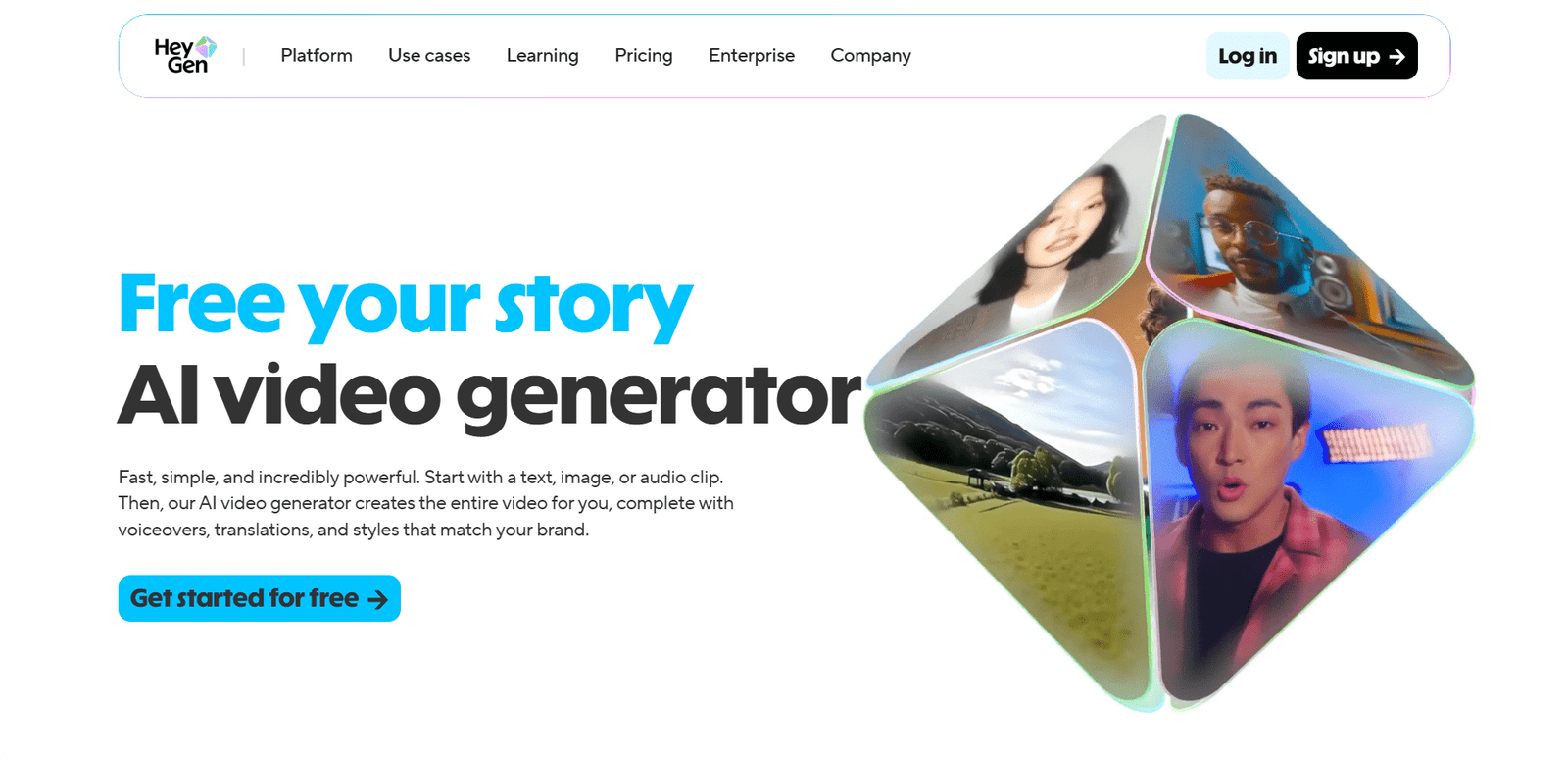
Hey beautiful readers, if you are still reading, thank you! Let’s give you one of the best AI video generator titbits. Yes! This is HeyGen AI. This AI application offers a free plan to its users where you can create not only text to videos or images to videos, but you can also create audio to video with HeyGen.
What is HeyGen AI?
This AI can turn your prompts into explainer videos. Similar to Synthesia AI, HeyGen also has a wide range of lifelike AI avatars.
You can select from 1000+ stock avatars or generate custom ones by giving prompts. You can customize every detail like expressions, gestures, clothing, backgrounds, and movements to match your vibe.
It makes video making just like a cakewalk. No professional creator, editor, or hi-fi camera is in any need. Just you and your pruned text are enough. This HeyGen AI will become your co-partner in your creation or in business.
This A is best for its clear-cut communication, marketing, and presentation.
Features of HeyGen AI
AI Avatars or talking head videos are its specialty. HeyGen’s wide range of AI avatars are maestros in speaking. These maintain the natural flow of the speaking and maintain eye contact with the camera. These videos are best for sales videos, training tutorials, and social media content.
Apart from its text-to-video features, this HeyGen AI has multi-language and voice support. More than 175 languages are available here So, reaching global audiences becomes easy. With this feature you can localize anything.
Lip-sync accuracy is another feature of it. You never feel it’s “AI-ish.” The tone and the throw are completely natural, so your viewers can connect with it easily.
HeyGen’s backgrounds & layouts option gives its users the upper hand to keep their desirable videos professional and presentation-friendly.
The platform is very easy to operate. Even a newbie can create a complete video in a few minutes.
Why is it different, or on what ground?
The answer is very clear to me. It is not the best filmmaking or editing tool. Rather, its focus is fast, presenter-style videos that feel polished and professional.
- Apart from this, HeyGen is more marketing-focused than cinematic tools like the previous AI video generator.
- It is designed for upscaling and repeatability.
- Strong avatar realism and lip-sync.
If you are running a marketing company or sales team, or you are an educator and trainer in any niche, or you have a business that needs consistent video branding.
Limitation of HeyGen AI
But oh! This tool also has limitations too.
- It is not suitable for cinematic or creative storytelling; for that, you can use Luma Dream Machine.
- This is best for short- or medium-length videos.
- Advanced features require a paid plan, which is comparatively costly for a beginner.
My final thought:
HeyGen AI’s simple workflow draws more attention from me. Just choose an AI avatar, write your script, select language and voice, pick a suitable background or layout, and then press generate and then download the video. These 2 lines are enough to give it a try. So, why not try this AI video generator later?
If your goal is to put a human face to your message—without turning on a camera—HeyGen AI does that job too well.
Pictory AI
This website’s slogan or catchline, whatever you want to call it, depicts its true nature. It says, “Start with a click, end with a story.” With the help of this AI, you can create professional, customized branding-focused videos with just a few clicks.
What is Pictory AI?
This Pictory AI can turn your ideas, text, scripts, presentations, and audio into videos almost in no time. This tool enables you to edit, give captions, voiceovers, and highlights, and repurpose your old videos.
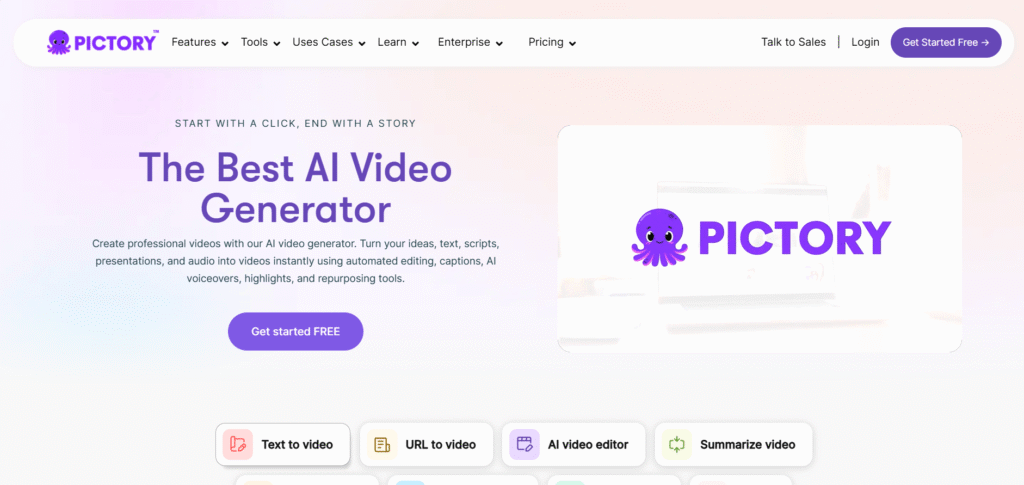
What are the key features of this Pictory AI?
- In content repurposing, it is the best. Your written blog, articles, and scripts can be turned into videos within a few minutes.
- Just paste your blog URL or content and text, and it turns your article into a short video.
- One of the great features of this AI is automatic captions. Pictory AI generates on-screen captions; thus, it becomes social media friendly.
- This Pictory AI has a large pool of stock images and video clips that the AI automatically matches with your script.
- It has voiceover and background music options.
- Here you can adjust your visuals and text and tweak layouts with just a few clicks.
- There are options of various sizes, like horizontal, vertical, and square aspect ratio settings. So, if you are a content creator and post content on various social media platforms like YouTube, TikTok, and Instagram or in presentations. The scene content automatically adjusts itself.
- If you are running a business, this Pictory AI has the power to become a trustable marketing partner. You add your brand colors, fonts, and logos and make videos according to them.
- There are other options too, like layouts, transitions, and text styles; just choose the right one that goes with your branding and matches your identity.
- The important part is this AI video generator is coming with its new avatar models.
Who can use Pictory AI?
Pictory AI has capability to manage a wide range of work, such as
- Marketing agencies
- Digital marketers
- learning and development.
- Business professionals and organizations
- Enterprise content teams
- Social media manager
- Coaches
- YouTube creators
- Course creators
- Content creators
- Content marketers, etc.
The Limitations of Pictory AI
I want to give you an honest review.
- This Pictory AI has very limited creative control.
- Your prompt is key here. If you don’t write exact prompts, then you will not get your desirable result at all.
- This Pictory AI is not suitable for cinematic storytelling.
- The stock visuals may feel generic, which is really bad for content, as using those images, your viewers may feel bored.
- This is best for informational content, not films.
My Point of View on Pictory AI
Practically speaking, Pictory AI is the best time-saving tool for turning text into videos. If you want to scale your content, repurpose blogs or articles, or create quick and promotional videos, Pictory AI does the job without any complexity.
It’s a great choice for those people who want useful professional videos, no fancy productions.
Vyond
This cloud-based video/animation-creating platform tarehat helps its users to make animated or media-based videos easily. If you want to dig deeper, this Vyond started in 2007 under the name of GoAnimate, but now Vyond is helping businesses, educators, content creators, creators, and whoever wants a professional-looking video. You will get elated when you know that 65% of the Fortune 500 rely on Vyond.
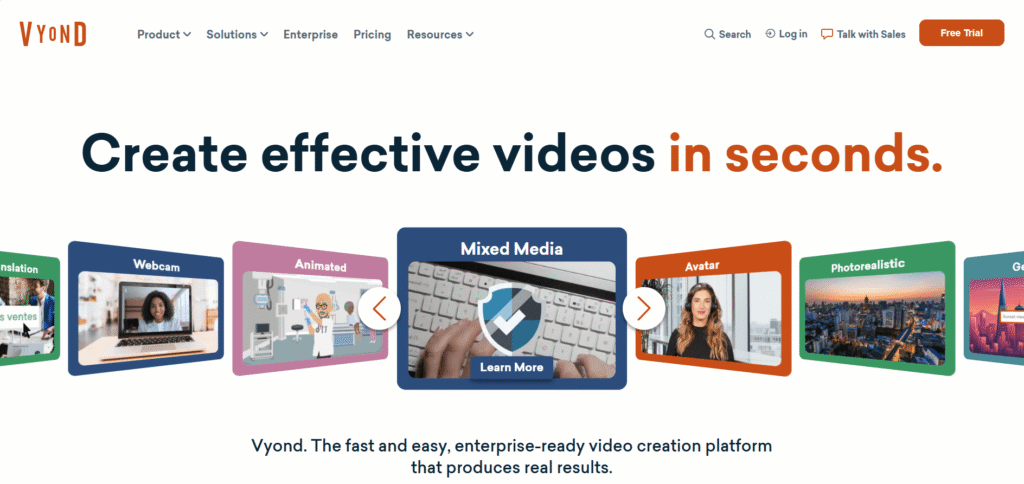
What can Vyond Do—Key Features
Vyond can turn text, documents, URLs, or anything into videos. Just entering the input and Kaboom!
This application has a huge list of templates. Here you can find various kind of templates, like a wide range of styles, settings, characters, props, etc.
This AI video generator has a drag-and-drop feature. Just choose the things you want in your videos, and then this AI will do magic.
There are ample options, like if you want a “cartoon-style animation,” a business-friendly “whiteboard or corporate,” or a mixed-media type (for example, animation + real images/videos), as Vyond AI supports multiple formats and styles.
In case of using characters, you can use its lip-synced dialog or narration. Thus, your video stories feel more dynamic and alive.
Here you can use your own voice for voiceover, and this application supports multiple languages, so local to global, all will be accessible to you.
Since this application is cloud-based, you don’t have to be bothered about powerful hardware or special software. This is purely needing two things: internet + a web browser.
This browser—this application—produces videos in minutes or a few hours because of its AI and pre-made templates. I’m assuring you this Vyond is much faster than any traditional video production unit’s workflow.
Why Vyond is different
Vyond does not want any kind of drawing skills, complex timelines, experience in editing, or a big team of professionals. Vyond AI takes responsibility for all those things.
Even if a newbie who does not have any kind of experience in animation can do this thing. Only if you can write a script or prompt or an outline can you make videos.
Its flexibility is awesome, from cartoon-styled animation to corporate videos. That means you can create or focus on what kind of videos you want to create your content for; that’s it.
Who Can Use Vyond and How it works
For businesses and corporations of whatever size they are, large, medium, and small.
If you are in some kind of internal communication, training, onboarding HR messages, or corporate notice, Vyond can help you with that. It can make quick videos based on your script, and this is pretty consistent.
If you use this as an organizer, then you maintain the branding via logos, brand colors, watermarks, and everything.
You can use this in marketing and sales by using this as an explainer video, product ad, promotional clips, social media videos, etc.
For educators, this can-do magic indeed. Your existing material can do the job, like presentations and slide documents you previously did. Now with the help of Vyond, you can make your content more engaging.
My Final Thoughts:
If I start writing all of these things, then maybe it will be long. So, if you are taking my word, use this beautiful AI. Let me tell you, this website has more than you think: nearly 700k visitors per month. Then why don’t you give it a try?
Vyond gives an easy, affordable, and fantastic way to bring your idea and imagination into a video. If you are an educator, content creator, or just a person who wants to make your creativity a lively one, Vyond AI video generator is a perfect one for exploring it.
InVideo
This is one of the easiest AI video generator platforms that you could ever imagine. Like other AI video generators, this InVideo AI is doing more similar kinds of things. If you are running a smaller business, or you’re a video editor, or you’re a content creator or a freelancer who wants to make AI videos for others, then this InVideo AI is likely to get your attention through its quick working capability.
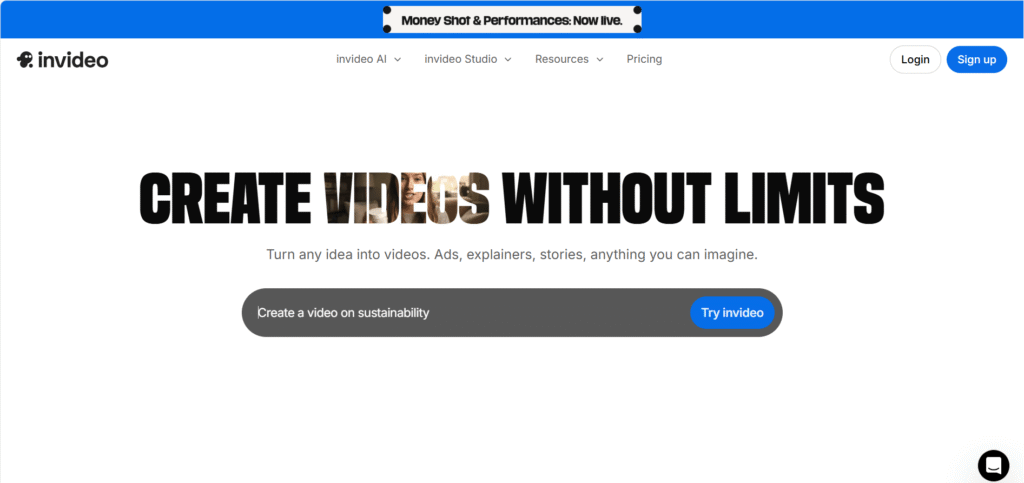
What are InVideo’s features?
The best feature of this InVideo AI is the frequency of delivering videos. If you don’t have hours to spend on the editing, then InVideo is the best option available on the market.
You enter the prompt, and InVideo AI will dig into your prompt and the titbits of it, and then it’ll automatically create the video with scenes and transitions and present you the best video.
Its huge template library is all set to give you the best result. With 5000+ templates, huge stock photos, and audio tracks, all make your options wide open. You just put your thoughts together and make videos according to it.
In InVideo AI there is a great number of pre-designed videos you can use in your,
- YouTube Videos
- Instagram Reels & shorts
- Facebook Ads
- Business Promos
- Presentations, etc.
There are stock images based on,
- community
- Trending
- Effects
- Million Dollar Ads
- Money Shot
- Performances
- VFX houses
- UGC & Avatars
- Music videos and what not…
Simple drag-and-drop editor—this is killing features of this InVideo AI. If you want to change the video, you can change it quickly, like changing text, replacing visuals, trimming scenes, or adding any music or stickers.
A different aspect ratio is also its key feature, and you can use this to create various social media content like YouTube videos, Instagram, TikTok, Facebook, and more…
Who Should Use InVideo?
- Content creators and influencers can use this for social media videos.
- Small shop owners and startups can use this to make promotional videos of their products.
- Digital marketers can manage several things like campaigns and ads.
- Educators and trainers who want to make explainer or tutorial videos for better teaching.
- And of course, for beginners who have no experience in video making and want to make AI-generated videos for fun purposes.
Limitations to Keep in Mind While Using InVideo AI
- This is not best for cinematic storytelling
- Limited control on editing compared to other AI video generators.
- Stock visuals can feel generic sometimes, and you are using these images along with 5-6 million other people. So your prompt must be very, very unique.
- You put in an average prompt, and then the output will also be average; always keep this in your mind.
Final thoughts about InVideo AI
This AI is worthy of trying for its fast, easy interface and professional-looking videos. This is especially helpful for businesses, marketers, and social media content creators who want to make content on a regular basis. If you need a budget-friendly AI generator, then go for it. It will definitely save you time and money. On top of that, you will get a professional video maker on your team.
Hailuo AI
This is the pioneer of AI video generator web applications. Strikingly awesome, this Hailuo AI is one of a kind. Best for transforming text or images into short cinematic, realistic videos with smooth motion graphics and expressive characters all in one place.
In short, Hailuo AI lets anyone—literally anyone without any knowledge—make AI videos. You don’t need any kind of editing experience; rather, be a good prompt giver. With the prompt, you bring your ideas, stories, or any visuals to life in video form.
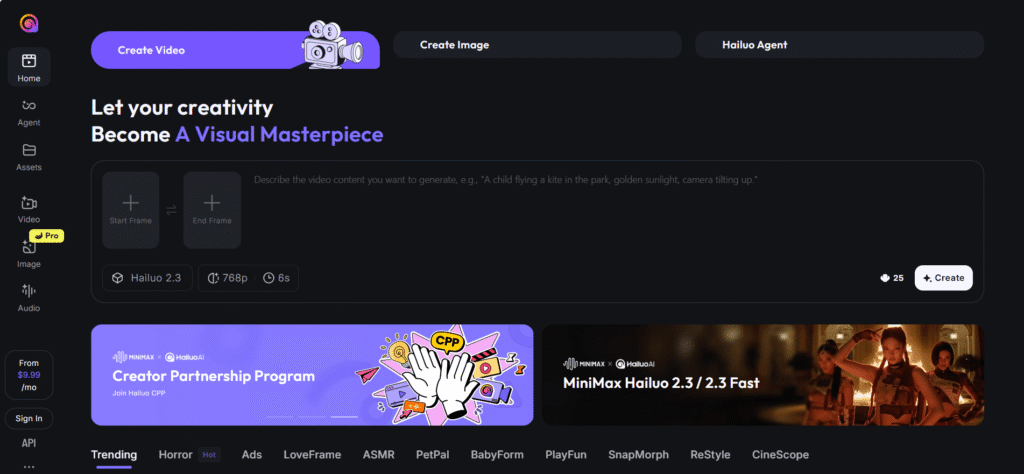
Key Features of Hailuo AI:
- Text-to-video and image-to-video are the key features of this AI video generator too.
- Choose styles, like anime, ultrarealistic, cartoonish, and other stylized and visual effects, to match your style.
- Hailuo AI applies filters, lightning, camera angles, smooth transitions, etc.
- Here you can add AI voiceover, sound, and music. This is best for social media content creators.
- Hailuo AI has different output formats like 16:9, 9:16, 1:1, etc. So, this is best for YouTube, Reels, Shorts, or other social media platforms.
- Most importantly, this Hailuo AI has an agent-style workflow. Through this you can get real-time video creation. In the editing option, you can edit scene by scene, frame by frame. drag-and-drop option.
- It is like directing your own movie without any production team, just you and Hailuo AI as your deputy.
Hailuo AI’s free features:
In the free plan, you can get a 6s video clip and 768p resolution but in different modes of video. In the advanced or agent section, you can create 1080p resolution and minimum 10s videos. In paid plans it delivers more realistic and cinematic output.
What kind of Videos you can get in Hailuo AI
- Short cinematic clips, social media content, and reels/shots for various social media platforms.
- Concept visualization is one of the best features of this Hailuo AI.
- Script-based educational videos and explanations in an animated way where your students get excitement and engagement in your teachings.
- Its huge bundle of templates has more than sufficient AI videos where even a beginner can decorate his social media with awestruck images and videos.
Limitations of Hailuo AI
- Its free plan comes with a watermark, which is not good.
- The free plan has low-quality output, although you can tell it’s reasonable, but if you want to make professional videos, then the output should be the same. It is my personal opinion.
- Facial expressions and motions like running, dancing, and leaping look artificial; sometimes it gives generic output. In that case, strong, precise prompts are the utmost necessary things.
- Hailuo AI ‘s best usage is in short clips, promos, concept videos, etc. It is not suitable for long-form videos.
Hailuo AI is best for:
- For social media content creators, educators, and small business owners who want to run commercial ads.
- People who want short-form videos can use this Hailuo AI.
- Film students and freelance artists and designers can create prototypes of their real work.
- If you don’t have any kind of professional or technical skill to make a video, then Hailuo AI is a solid choice for you.
Conclusion: Is Hailuo AI Worth Trying?
Need quick, engaging, encouraging short-form videos for marketing, social media, demo videos Hailuo AI is a great tool indeed.
The free plan gives an experimental chance to excel at your output. Its video agent feature offers a balance in creativity and professionalism. In my opinion you should try this at least, its free version. Later move to the pro version.
Animaker.AI
The name is telling; it works. This anime maker AI video generator is the best in its field. This application has more than 1.6M visitors per month, and on average, a normal user spends at least 3.30 minutes on its websites. These data tell the firm footing of Animaker.AI in the genre of AI video generators. generators.
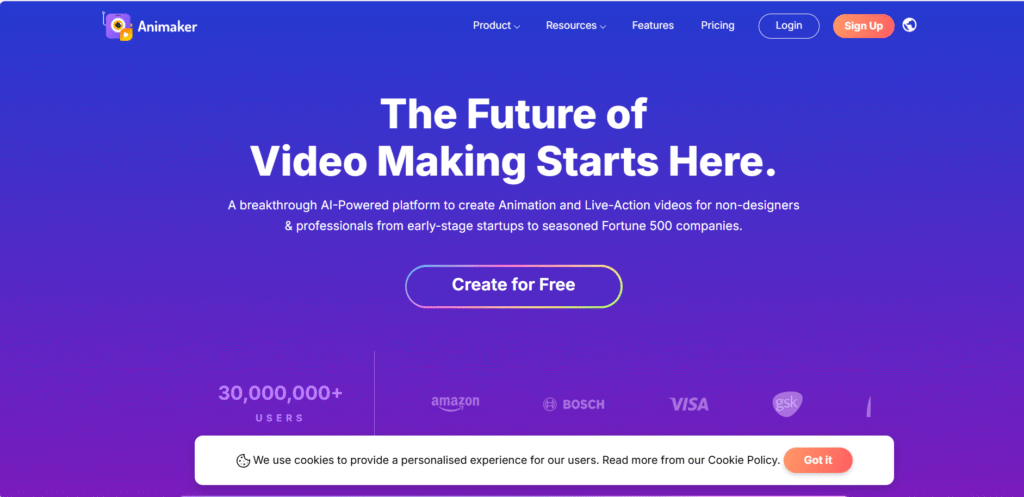
Features of Animemaker. AI
- This is not the same generic video generator as other AI video generators. This is a full creative suite. It’s an AI animation generator’s text-to-video work that’s top-notch. AI reads your ideas and turns them into visuals automatically. You don’t need to have any kind of design skills anymore.
- It has the classic white-board animation. Give a shot with this feature and transform the complex ideas of yours into great visuals.
- Animemaker. Anime maker. Anime maker. AI has gen AI videos and a clip-a-clip generation feature. Just give the prompt, prompt, prompt, and within minutes it will create a studio-quality video.
- With 1000+ voice examples and 100+ languages, it gives its users a lot of options to choose from. Auto lip-sync with its characters is now easy. Your brand can become global and local on a local basis without much effort.
- Its AI subtitle generator and auto-translate-translate-translate option are very, very useful apps. useful apps. useful apps. Add subtitles to your videos and translate them in no time.
- Real-time collaboration is one of the fine features of this Animemaker.AI. Here you can collaborate with your friends and teammates and input the best to get the best output. This is actually a cool feature to save your time, time, and time, and no longer revision is needed here.
- Branding is the key in any company you run, whether it is small or big. With Animemaker. Anime maker. Anime maker. With AI’s brand kit, you can multiply your brand presence everywhere. Consistency is the key here; add your brand logo, color, font, etc. to create the exact boom you want for your business.
- Building your own character is its marvelous feature. This AI video generator platform also has 1000+ animation templates too.
Who can use this animemaker? Animaker AI
Anime maker. Anime maker. Anime maker. AI’s best feature can be used in several ways by different kinds of people, like content and social media creators.
Kit, for businesses and marketers, has many features, like AI infographics, which can be a time and bucks saver for you. Apart from this, running ads and brand explainers can be done without any expensive production team.
For educators and trainers, this could be a beautiful one. Animation catches everyone’s eyes, so if you are an educator, you can cater engaging videos to your students.
For HR and internal teams, it can be a great time and money saver for sending team messages and presentations and for internal communications.
You can use this for fun and personal use like wishes, wedding invites, travel slideshows, social greetings, etc.
The Limitations of Free Plans
- With the free version, there are many limitations, like with the free plan of Animaker. AI includes its watermark, which is painful for a free user.
- Export quality is very low in the free version.
- Sometimes it creates generic output, so giving a polished prompt is utmostly necessary.
- So, if you need a watermark and more high-quality video, then buy a premium subscription.
- Even in pro plans there are monthly download limits; that means you must plan how you are going to use those limited numbers of downloads.
- Certain props, motions, and characters aren’t fully editable.
- If you want 2k or 4k resolution video, it will take longer rendering time.
- No offline editing is available on this site, so a strong internet connection is necessary.
- You’ll not get full studio-level animation depth, which is a negative one. Yes, there are drag-and-drop options, so as a beginner, one can really excel on this platform.
Final Knock
My opinion is if you are a content creator or an educator or run a small business, this application is a solid one. Smart AI tools, minimal editing, 1000+ templates, and 100+ multi-language support make this web application a first choice of many. Give it a try in the free version, then upgrade to pro or premium mode.